
For Families
Family IPTV for households in the Netherlands
Family life is busy, and everyone wants to watch different things at different times. Family IPTV solves this by putting live television, movies, series and kids content on every device in the home. DrexTV makes it easy for Dutch households to share one subscription across multiple screens, with the flexibility to watch in the living room, bedroom, kitchen or on the move.
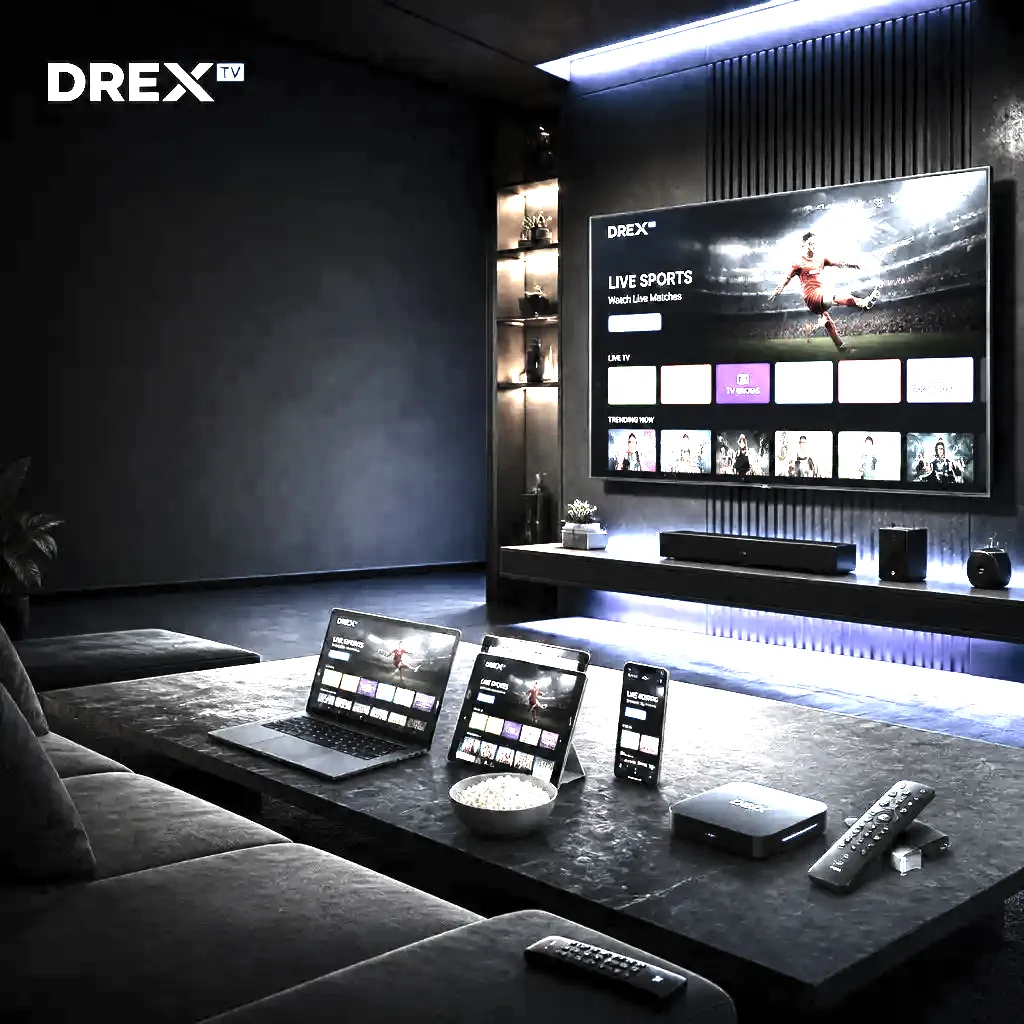
Why family IPTV works
A traditional TV package usually requires one box per room and a fixed schedule. IPTV removes those limits. You can watch on a Smart TV, tablet, phone or laptop. Different family members can watch different channels at the same time. The programme guide helps you find shows quickly, and the VOD library means you can watch movies and series when it suits you. This flexibility is perfect for modern families with different routines and tastes.
Multiroom and simultaneous streams
DrexTV plans include multiple connections, which means different people can watch on different devices at the same time. Parents can watch a film in the living room while children watch cartoons on a tablet. A student can watch sport on a laptop while a grandparent follows the news on the main TV. This removes the usual arguments over the remote. Choose a plan with enough connections for your household.
Kids and parental controls
Parents want to know what their children can access. Most IPTV apps support parental controls, favourites and channel lists. You can block certain categories or hide channels you do not want children to see. The VOD library can also be managed, so children watch age-appropriate content. Setting up these controls takes only a few minutes and gives parents peace of mind. DrexTV support can help you configure the right settings for your app.
Movie nights and VOD
Family movie nights are easy with IPTV. The VOD library contains movies and series for all ages. You can choose from action, comedy, animation, drama, documentary and more. There is no need to rent DVDs or wait for a scheduled broadcast. Just open the app, select the movie and press play. For the best experience, use a device connected to the main TV and a strong internet connection.
Flexible viewing schedules
Busy families do not always have time to watch live TV. Catch-up and on-demand features let you watch programmes later. The electronic programme guide shows you what is coming up, so you can set reminders. You can pause, rewind and resume when life gets in the way. This flexibility means nobody has to miss their favourite show, and the whole family can watch together on the weekend.
Devices for every room
You can use any device for family IPTV. The main TV might have a Smart TV or a Firestick. The kitchen could have a small tablet. Children might use iPads, and teenagers might use phones or laptops. All of these devices can use the same DrexTV subscription. The setup is the same on every platform: install the app, add the login and start watching. This makes IPTV a future-proof choice for growing families.
Troubleshooting family IPTV
If one room is buffering, check the Wi-Fi signal in that room. A Wi-Fi extender or mesh node can help. If two people cannot watch at the same time, make sure your plan has enough connections. If a child sees a channel you want to block, use the parental controls in the app. If the VOD is slow, lower the stream quality or switch to a wired connection. DrexTV support can help with all of these issues.
Quick checklist for family IPTV
- Choose a plan with enough connections for the household
- Install the IPTV app on each device you want to use
- Set up parental controls for younger viewers
- Use the VOD library for movie nights and catch-up
- Improve Wi-Fi in rooms with weak signal
- Contact support for setup or connection issues
FAQ
Frequently asked questions
Everything you need to know about DrexTV. Can't find your answer? Reach our 24/7 support team.
Yes. Most IPTV apps support parental controls, and you can create favourites lists or hide channels you do not want children to access.
Yes, if your DrexTV plan includes multiple connections. Each TV or device can stream its own content.
IPTV apps and playlists often include children's channels and family VOD. The exact content depends on the playlist and source.
No. The setup is straightforward. Install the app, enter your DrexTV credentials and start watching. Support is available if you need help.
Ready to stream everything in one place?
Join thousands of viewers across the Netherlands enjoying premium live TV, sports and movies with DrexTV. Try it risk-free today.